Launcher
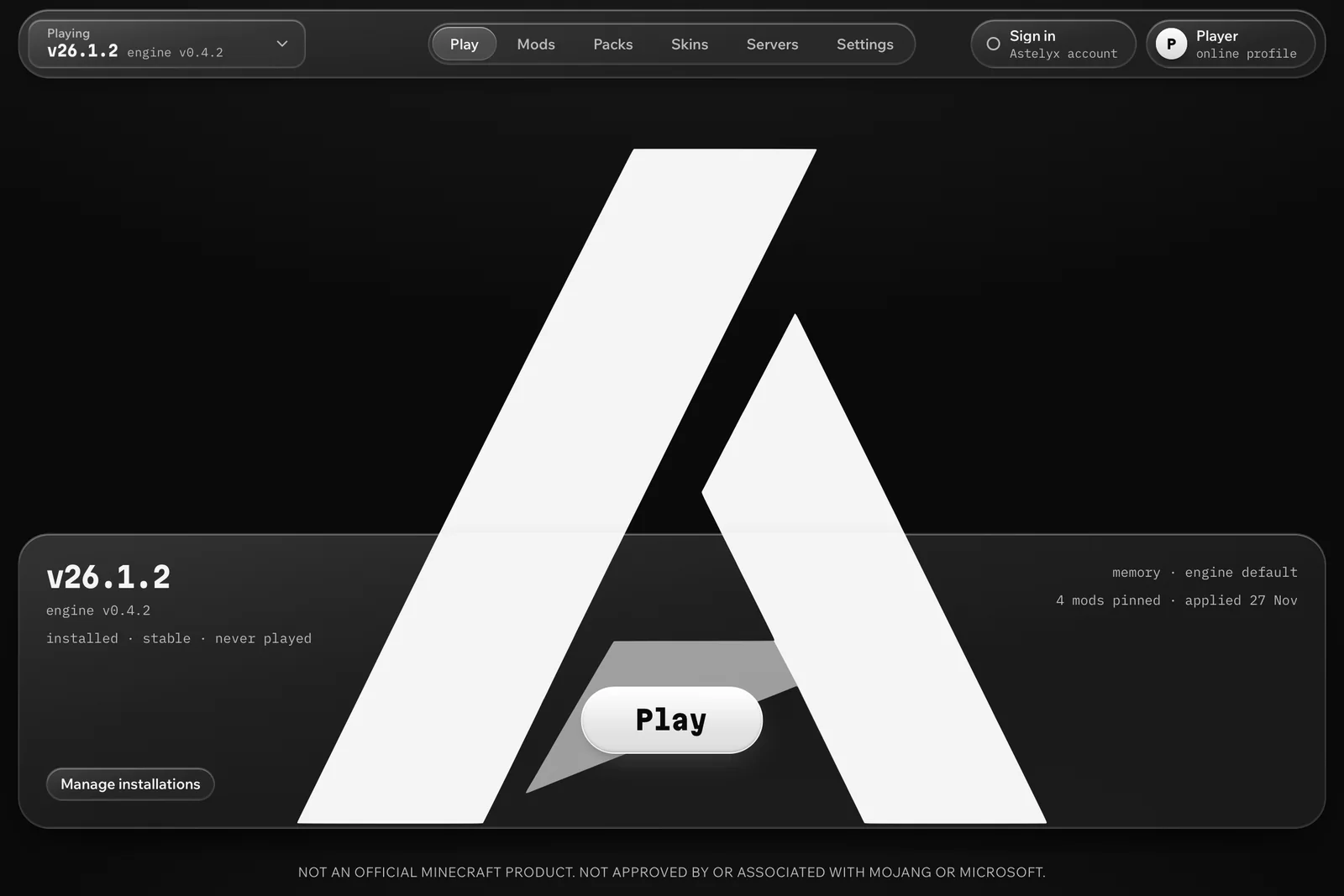
The desktop app that installs, updates and starts the Astelyx client. It is how you get the game.
Get it
downloadmacOS, Windows, Linux, from the download page; each with its checksum. Download
priceFree. The game needs a Minecraft account that owns Minecraft.
updatesChecks for its own updates from Settings, Updates.
What it does
playThe selected installation, its Minecraft and engine versions, and one Play button.
modsBrowse the mod hub and add mods to an installation; browsing needs no account.
packsBuild packs of mods; no account is required.
skinsSaved skins stay on this computer; Use sets one on your Minecraft profile.
serversSet up and run the dedicated server on this computer.
settingsStorage, game, appearance, updates and accounts.
Accounts
minecraftSign in with the Microsoft account that owns Minecraft; Play needs it.
astelyxOptional and separate; with it, the launcher saves your packs to your account, where you can view them on this site. Create an account
tokensThe two accounts share no tokens.
webNo Minecraft sign-in on this site; only the launcher asks for it.
Game files
eulaBefore the first download it shows the Minecraft EULA; nothing is fetched until you accept.
assetsMinecraft's assets download from Mojang with your own account.
clientThe Astelyx client is checked by sha256 before it runs. The client
serverThe Servers section installs and runs the dedicated server on this computer. The server